




How to Use and Activate Namecheap Domain Coupons
- To start using a Namecheap domain coupon, first find an offer that matches your purchase. Namecheap promotions generally appear in two formats: “Show Code” and “Show Deal.” A “Show Code” offer gives you a promotional code to copy and enter during checkout, while a “Show Deal” offer takes you to the relevant Namecheap page where the promotion may be applied automatically.
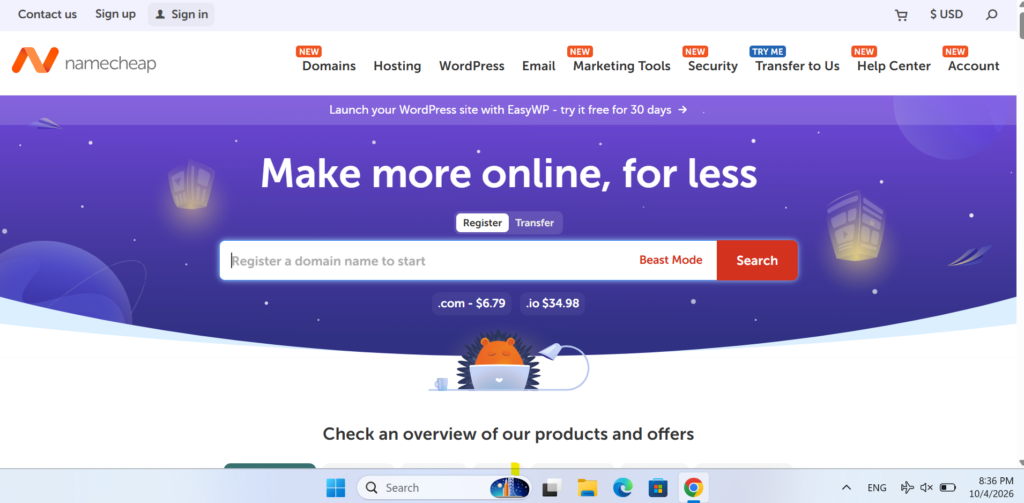
Visit Namecheap and Select a Hosting Plan
- Open the Namecheap website and go to the shared hosting section. Compare the available packages, such as Stellar, Stellar Plus, and Stellar Business, while checking both the introductory price and renewal cost. Once you find the plan that fits your needs, click “Get Started” to continue with the setup.
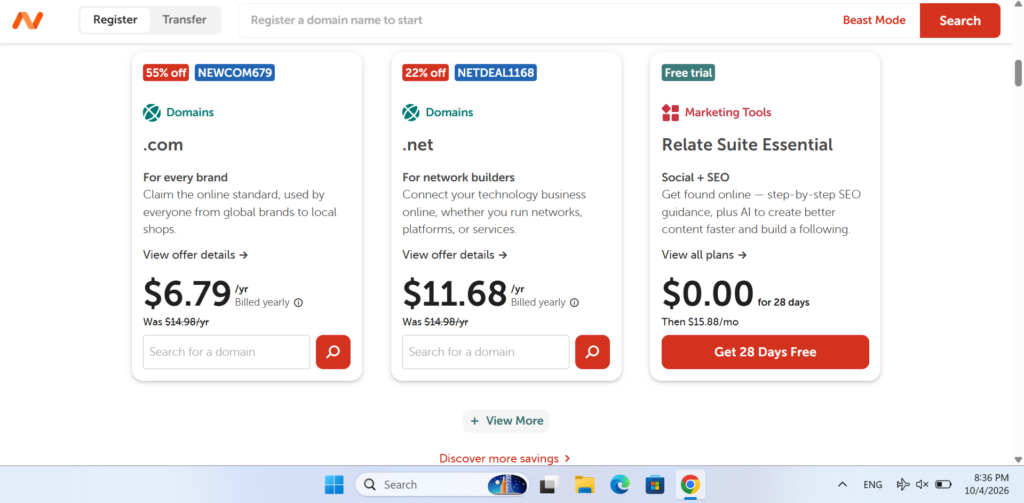
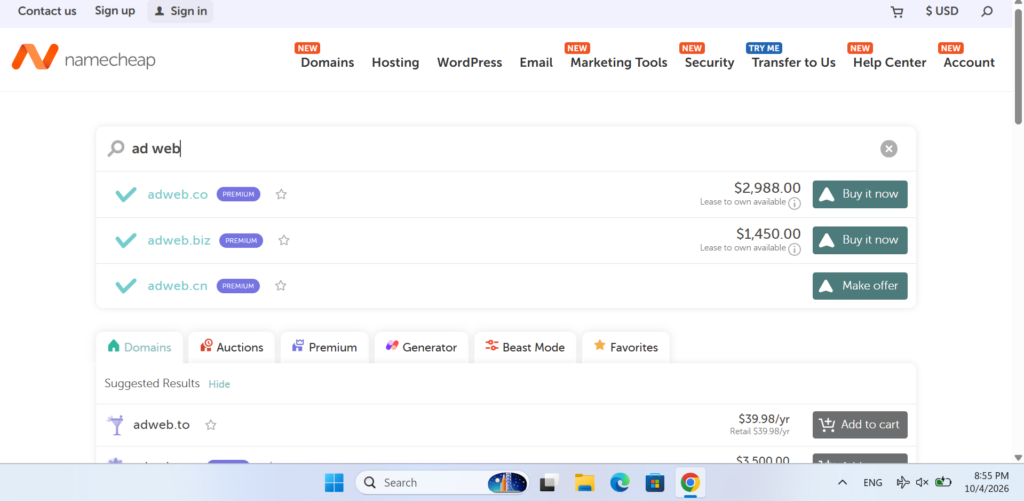
- Once you have selected your hosting package, the next step is to link a domain to your account. If you need to register a new one, choose “New Domain Name” and type your desired domain into the search field. Namecheap will check its availability and display the domain options you can register.
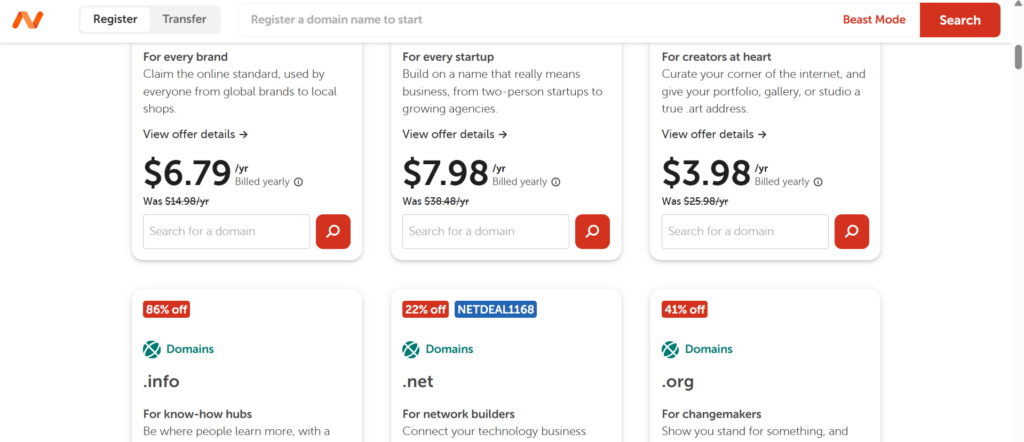
- Enter your preferred domain name in the search box and let Namecheap check the available options. You may see extensions such as .com, .fun, .online, and .press, with different introductory and renewal prices. Compare the options carefully, including the renewal cost, before choosing the domain that best matches your website or business.
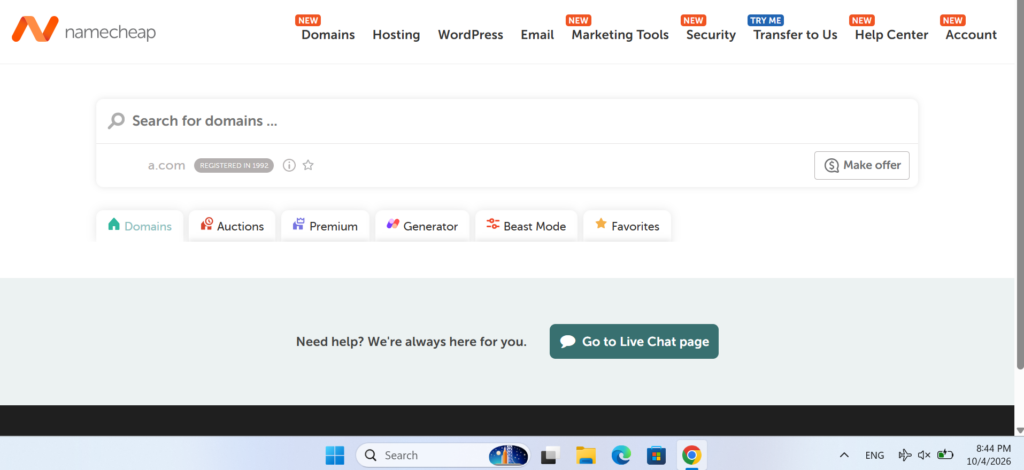
- Review the available domain extensions and select the one that best matches your website or business. While .com remains a popular choice, other extensions can give you more affordable or distinctive options. Once you have made your selection, choose “Connect to Hosting” to link the domain with your Namecheap hosting plan and add it to your order.
- Review Your Purchase Summary
Before adding the order to your cart, carefully check the purchase summary. It should show your selected hosting plan, the domain connection option, and the overall price. Make sure all the details are correct and that there are no unwanted services included.
- Add the Order to Your Cart
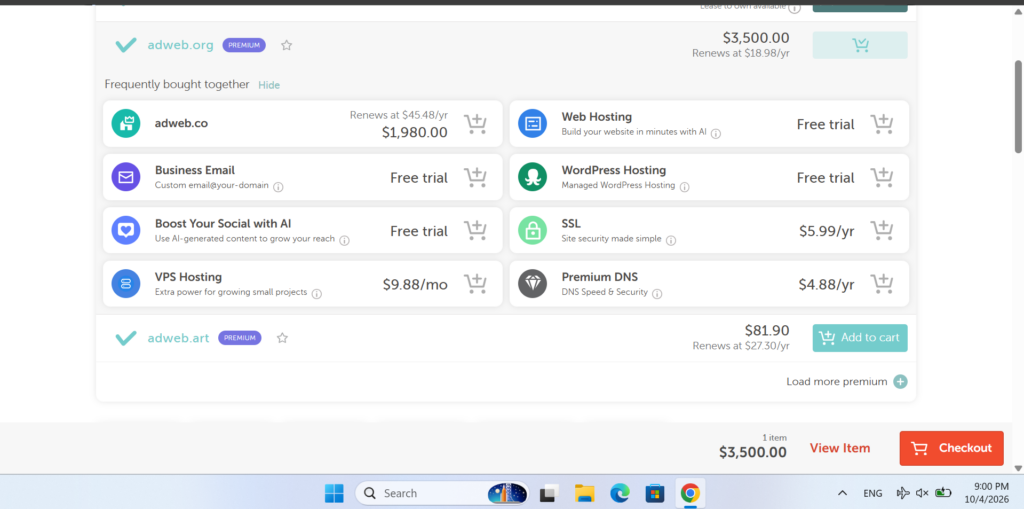
Once you have confirmed everything, click “Add to Cart” to continue. You can then proceed to the checkout page, where you’ll have another opportunity to review your order before applying your coupon and completing the payment.
- Check Auto-Renewal Settings
At checkout, review the auto-renewal option for your domain and hosting services. You can decide whether you want the services to renew automatically when the current term ends. Choose the setting that works best for you before completing your order.
- Apply Your Namecheap Domain Coupon
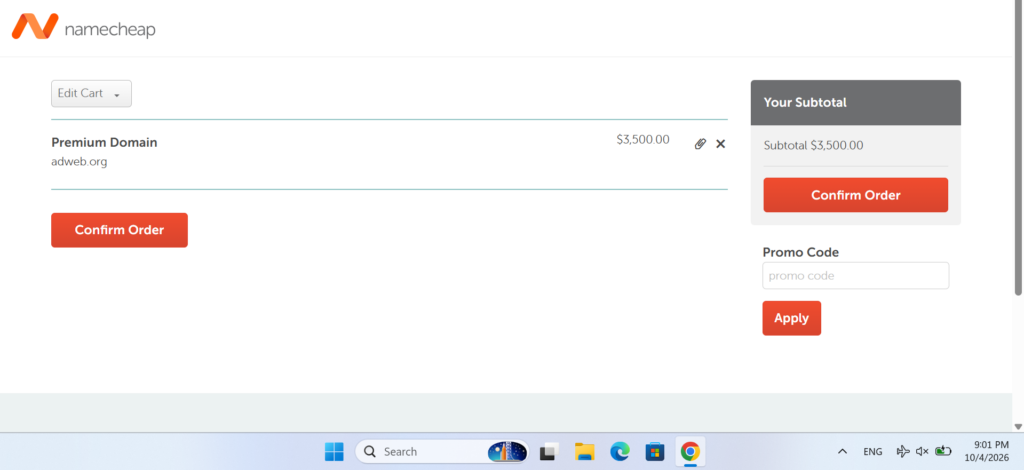
If you have a valid Namecheap domain coupon, find the “Promo Code” box on the checkout page and enter your code. Click “Apply” to activate the offer. If the coupon is eligible, your order total should update and show the discount.
- Complete Your Namecheap Payment
After applying the coupon and checking that the discounted price is correct, choose your preferred payment option and confirm the order. Namecheap supports several payment methods, including cards, PayPal, and cryptocurrency options. Once the payment is completed, your domain and hosting services will be added to your account, and you can manage their renewal settings from your account dashboard.
What to Do If Your Namecheap Domain Coupon Fails
If the discount does not appear, first check that you entered the coupon correctly. Even a small mistake or extra space can cause the code to be rejected. Also verify that the promotion has not expired and that your purchase meets the coupon requirements.
Some offers may only apply to new domain registrations and may exclude premium domains, transfers, or renewals. If the code is still not working, try clearing your browser data or completing the checkout process in another browser. If the issue continues, Namecheap support can help identify the problem.
Can You Apply Multiple Namecheap Domain Coupons?
No, you generally cannot combine multiple coupon codes on one Namecheap order. If you are registering or transferring several domains, compare your available offers and use the code that provides the greatest benefit for your purchase.
Are There Discounts for Existing Namecheap Customers?
Yes, returning customers may find promotional offers from time to time. Discounts can be available for bulk domain registrations, transfers, renewals, and additional domain-related services.
Seasonal events can also bring special offers for existing users. Checking Namecheap promotions during major sales periods is a good way to find new opportunities to save.
Namecheap Annual and Seasonal Domain Discounts
Namecheap offers different types of domain promotions throughout the year. The available discounts can change depending on the campaign and domain extension.
Black Friday and Cyber Monday Deals
- These major shopping events can feature reduced prices on selected domain extensions, hosting products, and other Namecheap services.
New Year Promotions
- New Year campaigns may include special pricing on domain registrations, transfers, or renewals, depending on the active promotion.
Bulk Domain Offers
- Customers registering or transferring several domains may find special pricing designed for multiple-domain purchases.
Multi-Year Renewal Deals
- Some promotions may provide savings when domains are renewed for a longer period. Always check the total price and renewal conditions before confirming transfer promotion can sometimes reduce the cost of bringing it to Namecheap. Check the current offer the purchase.
Domain Transfer Promotions
- If you are moving a domain from another registrar, a transfer promotion can sometimes reduce the cost of bringing it to Namecheap. Check the current offer to see which domain extensions qualify.
